Hardware Repair & Device Modding
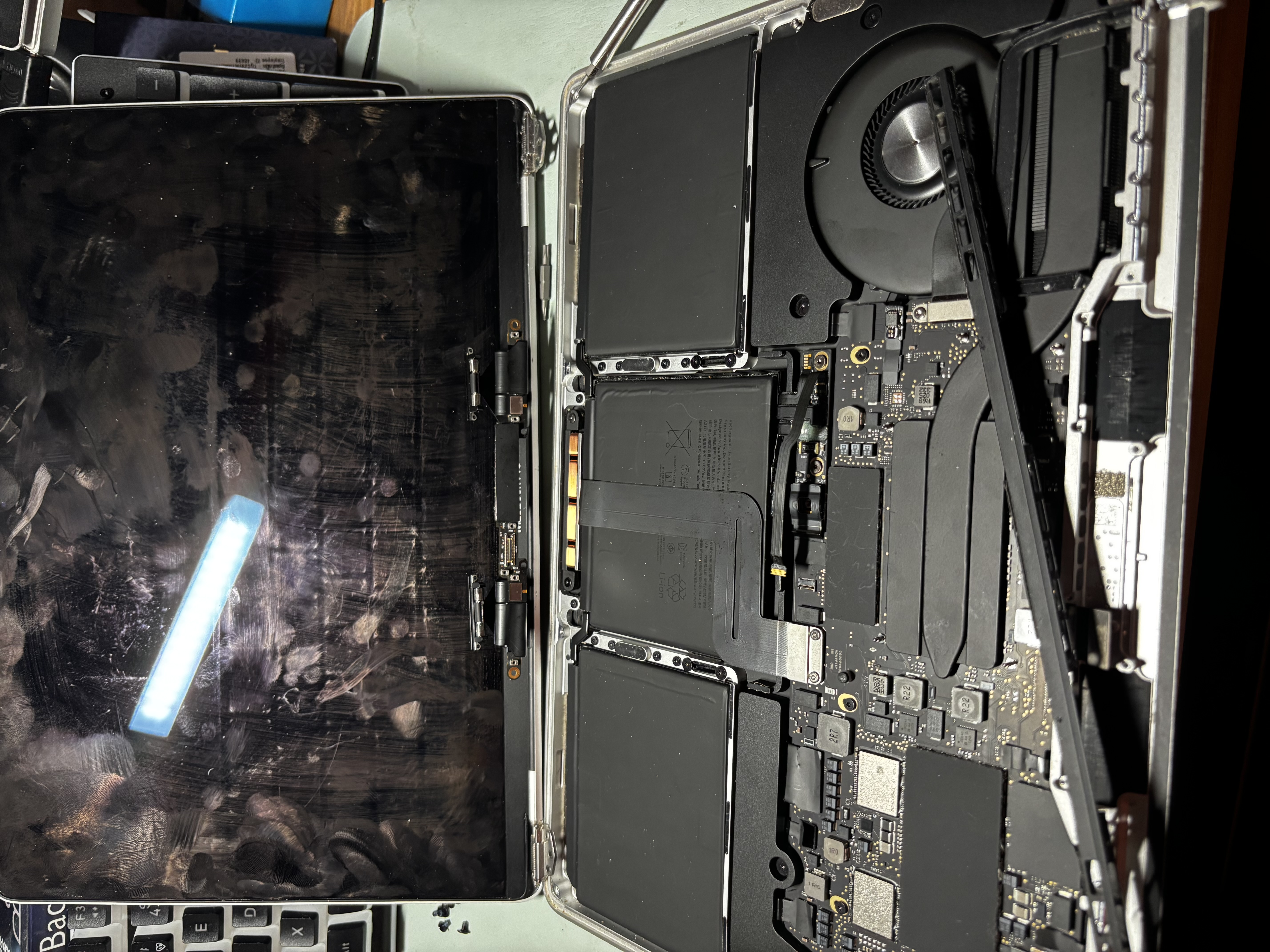
I like fixing broken stuff, especially older Apple devices. MacBooks with bad screens, iPads stuck in boot loops, old AirPort routers. Most of the time the fix is cheaper than people think and there's something satisfying about getting something working again instead of throwing it out. A lot of my research starts on Apple's own sites and ends in a Reddit thread.
Apple Support
Apple's official support site has guides, troubleshooting steps, and serial number lookups for every device they've made. I usually start here to figure out exactly what model I'm working with before opening anything up.
Apple Vintage & Obsolete Products List
Apple keeps a public list of which products are considered vintage or obsolete. Useful when I'm working on older hardware to know whether parts and service are still available through Apple or if I need to look elsewhere.
r/applehelp
I read this subreddit a lot when I'm stuck. People post weird issues with specific Apple devices and somebody usually has a fix or at least a direction to look in. Haven't posted yet but the answers are usually solid.
PC Building & Gaming
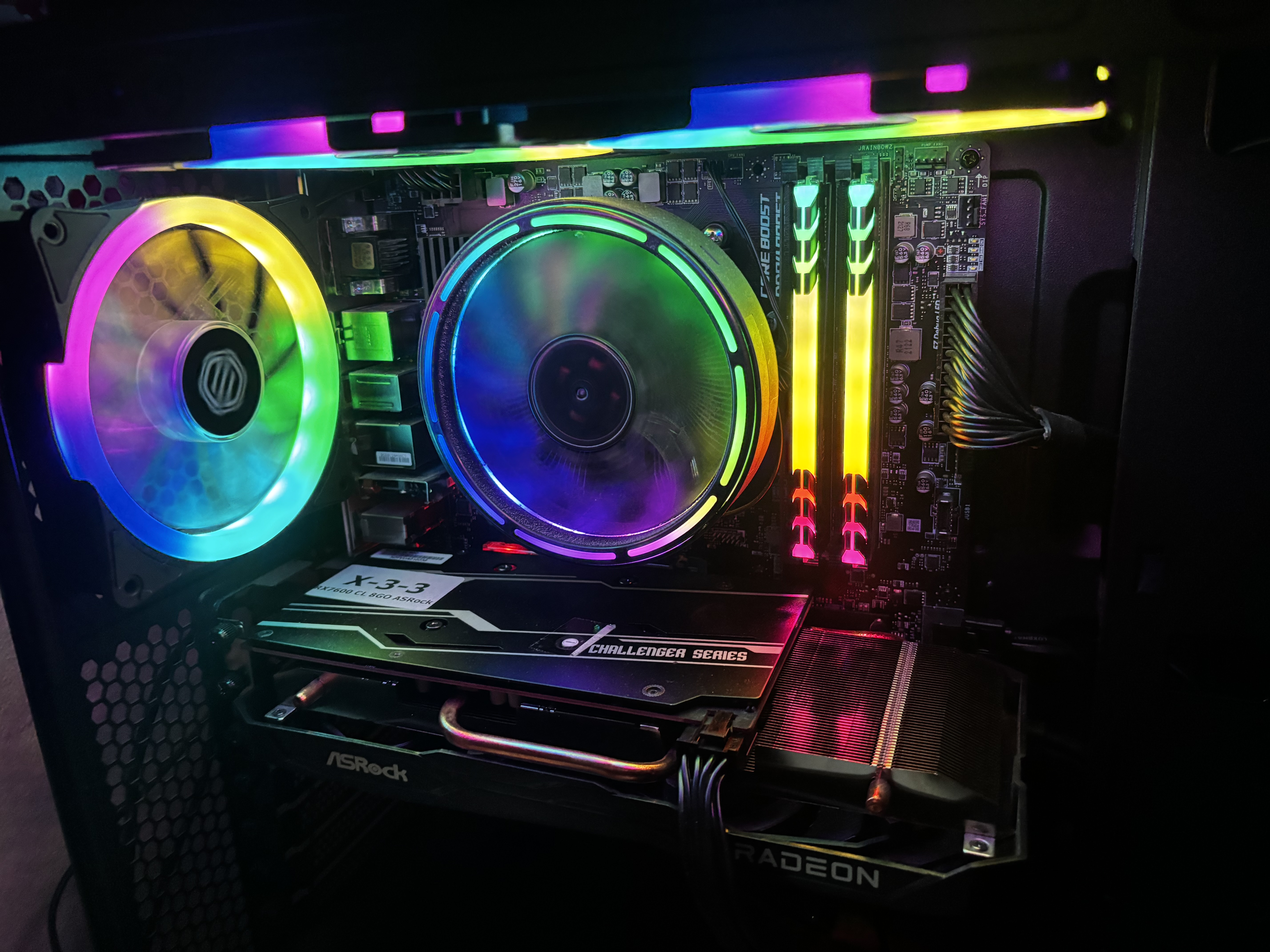
I built my own PC (Ryzen 5 5600G, RX 7600) and ended up learning a ton just from troubleshooting it. Driver crashes, overclocking issues, weird display dropouts, trying to figure out what's wrong has taught me more than any guide. Steam is where I play most of my games, and I'm all over the place with what I play instead of sticking to one genre.
Steam
This is where most of my games live. The library is huge and the seasonal sales are dangerous for my wallet, but the platform is reliable and runs basically everything I want to play.
MSI Afterburner
Free overclocking and monitoring tool for GPUs. I used this to manually set a stable power limit on my RX 7600 after the auto-overclock in AMD Adrenalin started causing display dropouts. It's basically essential if you're tweaking a GPU.
CPU-Z
Tiny utility that shows you exactly what's in your system, which includes CPU specs, RAM timings, motherboard info. I check it whenever I'm not sure if a setting actually applied or if I want to confirm what hardware I'm running.
Cybersecurity & Home Lab
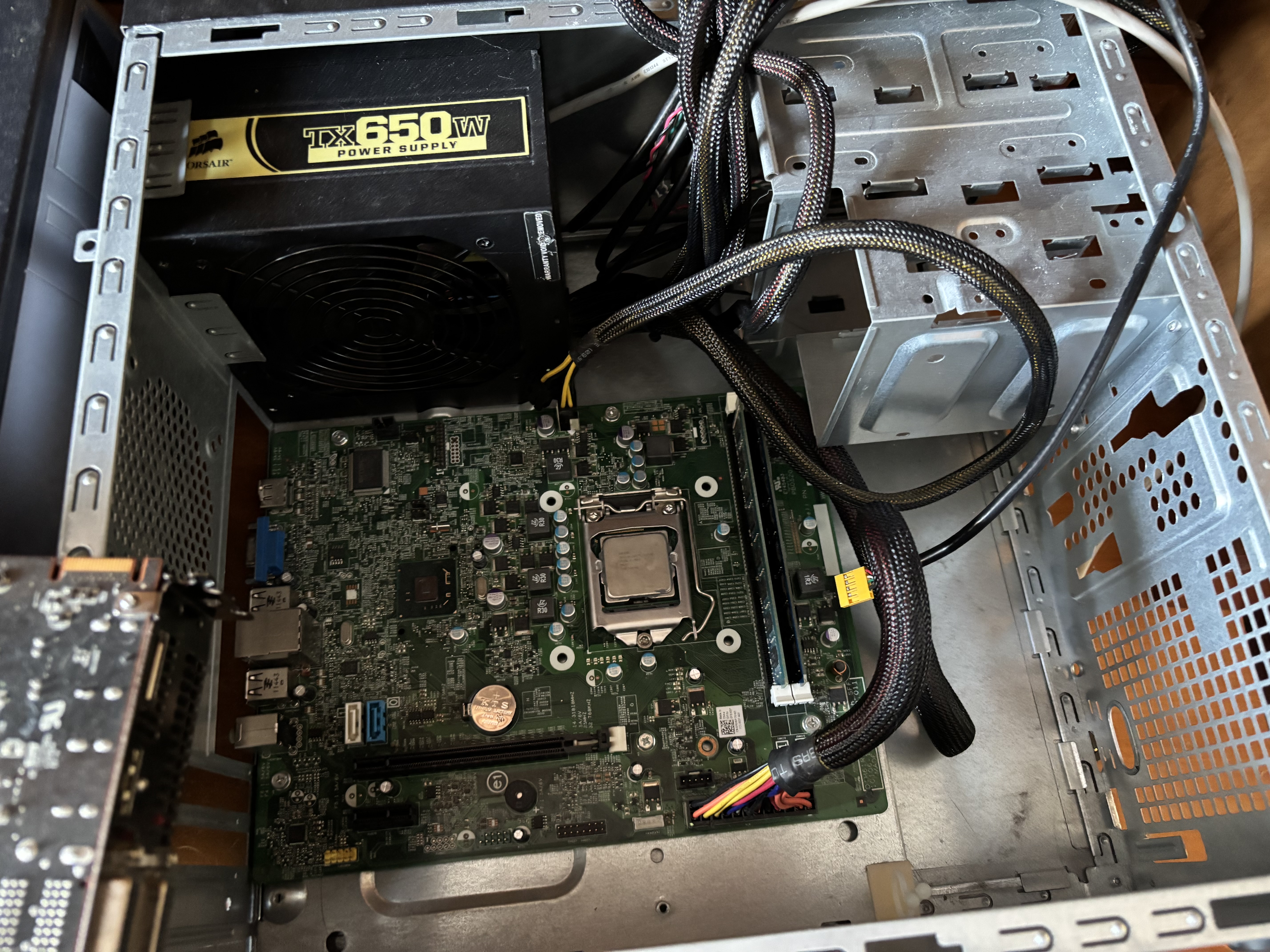
This is both a side interest and a career direction for me. I've been studying networking through LCCC classes (and some Johnson College classes before that), and I'm leaning toward IT and cybersecurity work — I recently got the job for an IT internship at PennDOT. The home lab side is what I want to grow into next: virtualization, traffic analysis, and building a safe space to actually try things instead of just reading about them.
Cisco Packet Tracer
Free network simulator from Cisco. I've used it for class assignments to build out networks with routers, switches, and end devices. Way easier to learn networking when you can actually configure something and watch traffic move through it instead of just looking at diagrams.
Oracle VirtualBox
Free virtualization software for running multiple operating systems on one machine. I've used it to spin up Linux VMs without messing with my main Windows install, and it's what I want to base a home lab on once I have the hardware to support it.
Wireshark
Network packet analyzer that lets you see exactly what's moving across a network in real time. I used it in class to look at how protocols actually work under the hood — seeing a TCP handshake or DNS query happen live allows me to get a better understanding than reading about it.